How to Boost Weak WiFi at Campgrounds
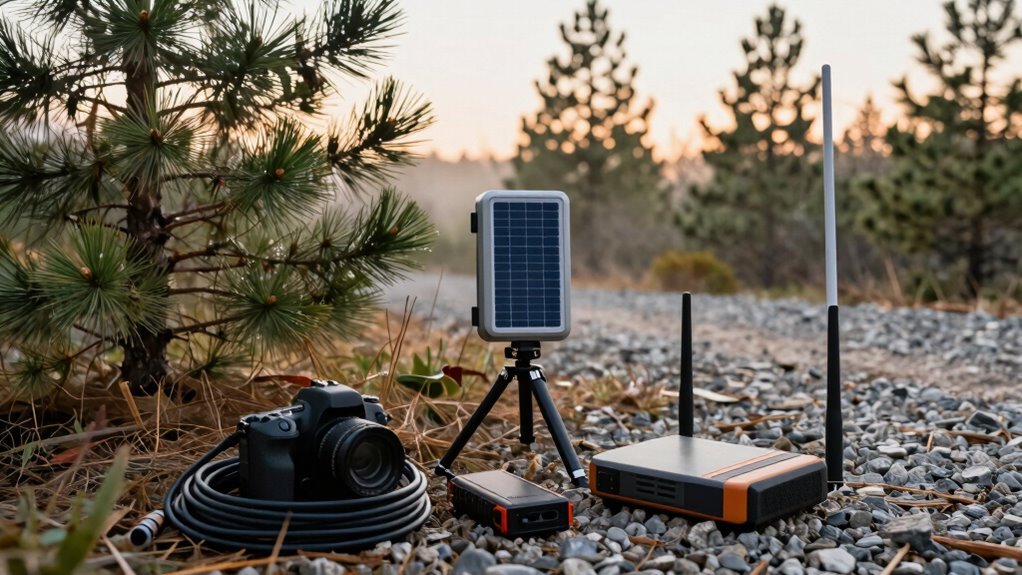
Want stronger Wi-Fi at campgrounds? Try moving your laptop near a window and aim it toward the router—every inch helps improve the signal.
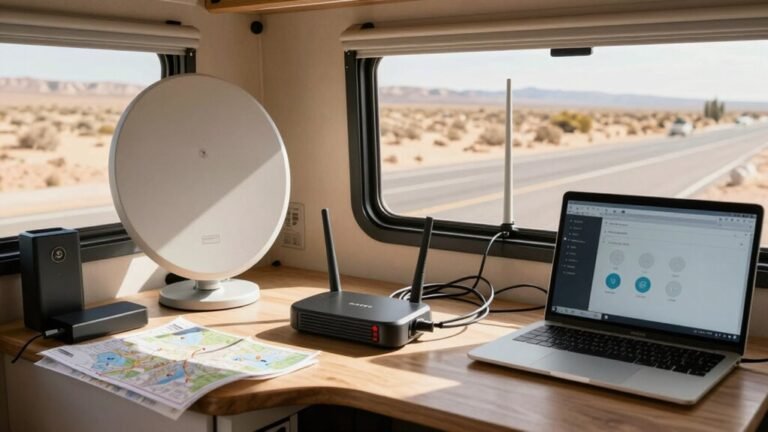
Use a Wi-Fi extender or rely on your phone’s hotspot when the campground’s connection is weak. A high-gain antenna mounted on your RV roof can significantly boost reception.
Connect during midday to avoid the evening rush when everyone is streaming. Small tweaks like these make a big difference in boosting weak WiFi at campgrounds.
Reposition Your Device for Better Signal Reception
Ever wonder why your WiFi cuts out the moment you step inside your RV?
It’s not just bad luck—your walls and metal siding are blocking the signal.
But here’s the fun part: you’ve got total control.
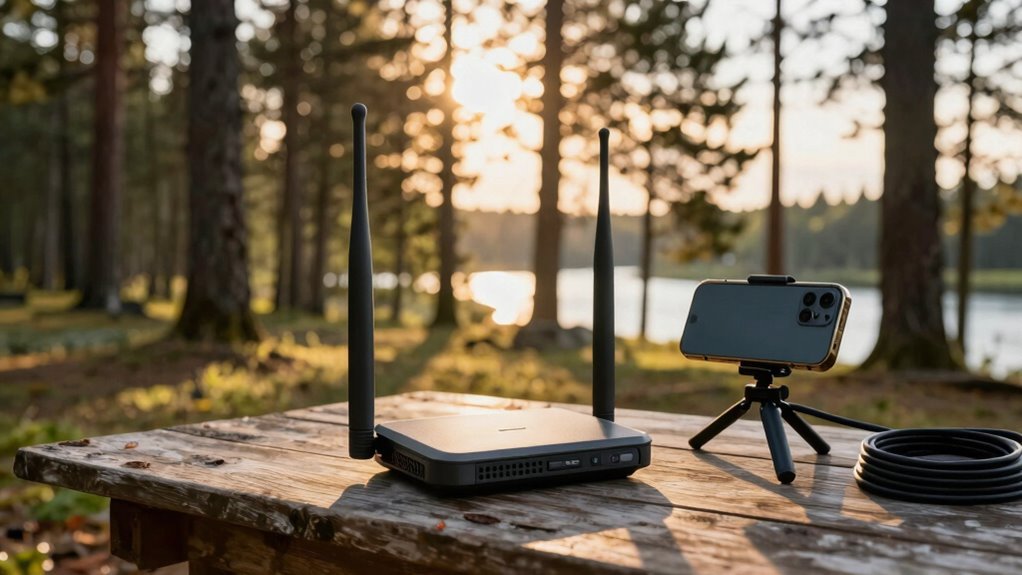
Move your laptop or tablet right up to a window, ideally on the sill, facing the campground router.
Skip thick curtains—they’re sneaky signal killers.
Need better reception? Lift your device higher; even 5–10 extra feet helps clear trees or parked trucks.
Aim your antenna like you’re locking onto treasure, pointing it straight at the source.
And don’t camp in one spot—test different areas, inside and out, because one corner might be magic while another’s a dead zone.
Sometimes, stepping outside turns spotty into speedy.
A little repositioning isn’t just smart, it’s your cheapest upgrade.
Think of it as WiFi hide-and-seek—and you’re winning.
Use a WiFi Range Extender or Booster
How’s your luck been with campground Wi-Fi that barely clings to life?
You’re not stuck with it—grab a Wi-Fi range extender or booster and turn that sad signal into something usable.
These handy gadgets grab weak signals from up to 500 feet away (if you’ve got line of sight) and blast them strong inside your RV.
No more crouching by the window just to check email!
With dual antennas and serious amplification, they cut through dead zones and keep your stream, browse, and video calls smooth.
Mount it outside your RV—yes, even in the rain—and let it work its magic.
Just don’t expect miracles if the original signal’s totally dead.
Priced right and easy to setup, it’s like giving your Wi-Fi a superhero upgrade.
Campground internet headaches?
Not anymore.
These devices amplify weak Wi-Fi signals for stronger reception inside your RV.
Leverage Your Smartphone as a Hotspot
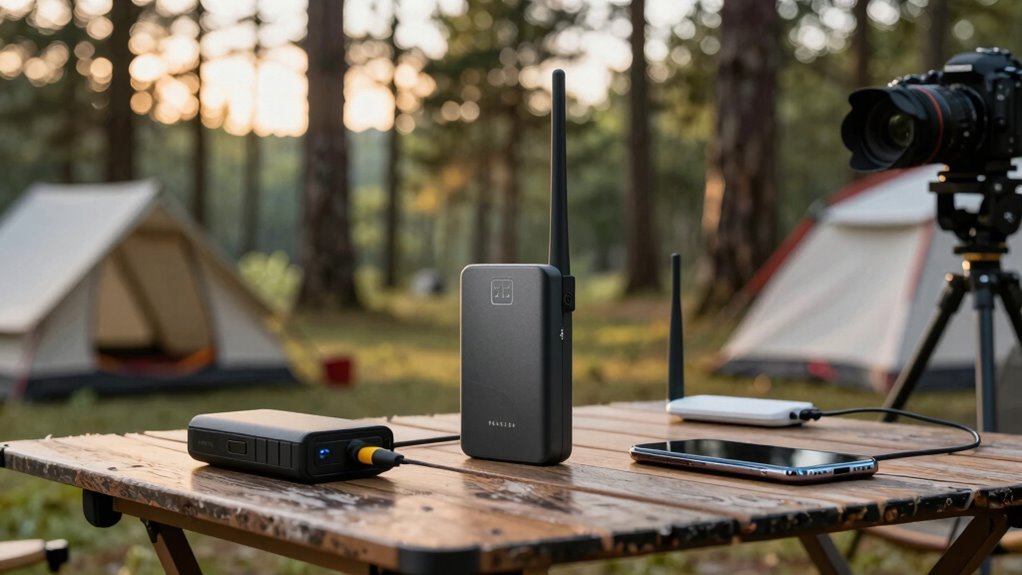
Tap into the pocket-sized powerhouse you already carry—your smartphone—and turn it into a full-time Wi-Fi sidekick.
Flip on your hotspot fast: just open Settings > Personal Hotspot on iPhone, or swipe down and tap the hotspot icon on most Androids—you’re live!
Give your network a fun name and secure password so only your crew gets in.
But hey, don’t let that cute cat video binge drain your data—streaming eats it fast, and carriers might slow you down after a limit.
Keep an eye on usage, plug your phone in (it burns juice like a mini oven), and turn off hotspot when napping.
For best signal, point your phone toward the nearest tower—apps like weBoost can help you scout it like a cell warrior.
Some remote areas have limited or no cellphone signal, making hotspots unreliable when you’re off the grid.
Stay close to your devices, avoid tree monsters in the woods, and boom: you’ve got Wi-Fi magic, wherever you park.
Upgrade to a High-Gain WiFi Antenna
Your smartphone’s hotspot works great for quick fixes, but if you’re after something stronger and more stable—especially when the campground Wi-Fi barely sputters to life—it’s time to level up.
Swap that flimsy router for a high-gain antenna, and suddenly, weak signals don’t stand a chance.
These bad boys focus on signals like a laser, boosting what little Wi-Fi exists—think 1 bar jumping to 3 or even 5.
Aim a directional model toward the campground tower, mount it high on your RV roof, and say goodbye to dead zones (well, almost).
Models like the Trendnet TEW-809UB or TP-Link AC1900 bring serious power with dual bands and big antennas.
Just remember: no magic here—if there’s zero signal, even the fanciest antenna can’t summon Wi-Fi from thin air.
But when there’s a whisper of connectivity? You’ll be streaming cat videos like you’re not in the woods.
Connect During Off-Peak Hours

While the sun’s still high and the campground’s quiet, you’ve got a golden window to strike—before everyone returns from hiking, sweating over Wi-Fi for their evening Netflix fix.
Right now, most people are out exploring, so fewer devices clog the network.
That means faster speeds and less frustration for you.
Think of it like hitting the coffee shop before the lunch rush—smart move.
Between 10 AM and 4 PM, especially on sunny days, the digital roads are wide open.
This is your chance to download movies, back up photos, or join that work call without freezing mid-sentence.
Even if the Wi-Fi’s weak, less traffic means more bandwidth for you.
Skip the evening video-streaming war—plan ahead and enjoy smooth, steady connections while others fight for a signal.
Pro tip: enjoy your outdoor adventure *and* your downloads.
Nature by day, Netflix by night—no buffering required.
Optimize Your Device Settings for Weak Networks
So you’ve snagged some sweet bandwidth during the quiet daytime hours—nice move.
Now, let’s tweak your device settings to squeeze every last drop from that shaky campground Wi-Fi. You don’t need magic, just smart moves.
- Position your device’s antenna wisely—if it has one, angle it vertically or horizontally to match the router’s signal alignment.
- Set your channel width to 20 MHz on 2.4 GHz—it’s slower, but more stable in crowded areas.
- Boost transmission power unless you’re camped right next to the router (we’re not trying to blast the whole park).
- Use a USB Wi-Fi adapter with an external antenna—they grab signals your laptop’s tiny internal antenna just shrugs at.
Small changes, big gains—your Zoom call won’t freeze mid-sentence.
Again.
Consider a Portable Wifi Router With SIM Support
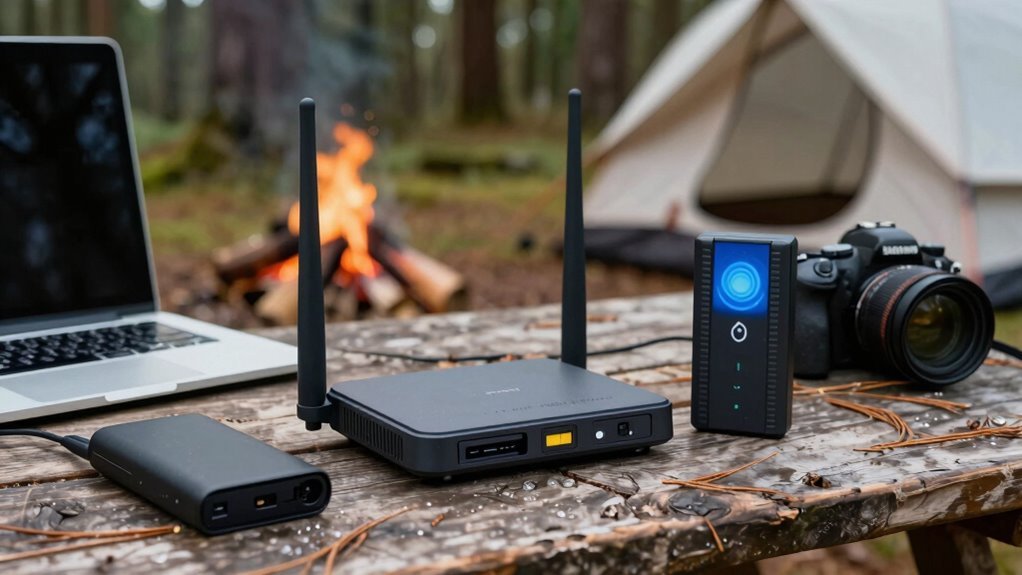
A little gadget with a big job, this portable Wi-Fi router packs a punch when your campground’s signal barely whispers.
You pop in your SIM, and boom—4G LTE internet follows you anywhere, even deep in the woods.
It’s open for 125 countries, so you can use local SIMs worldwide, and the micro SIM slot means setup’s a breeze.
With 500Mbps speeds and 5G-ready bandwidth, you’ll stream, game, and video-call without the dreaded buffering wheel.
Need to connect your laptop, tablet, *and* your cousin’s pet cam? No problem—it handles up to 32 devices at once.
The 3000mAh battery lasts 13 hours, perfect for long trips, and you can grab a backup for nonstop power.
It’s got security, speed, and smarts—plus, it fits in your glovebox.
Think of it as your personal Wi-Fi sidekick, ready to save your next outdoor adventure from digital silence.
Choose Campsites Closer to Network Sources
Snag a campsite near the heart of the action, and you’ll be laughing all the way to smooth streaming and zero buffering.
Skip the woodsy hideaway if you want solid Wi-Fi—those trees and hills might look pretty, but they’ll murder your signal.
Here’s how to pick a spot that keeps you connected:
- Go central – Parks often place routers near main facilities, so choose a site close to the office or lodge.
- Ditch dead zones – Skip remote corners or heavily wooded spots where guests complain about “no service.”
- Check the layout – Review park maps or guest photos to find sites near repeaters or tech hubs.
- Read the reviews – Look for phrases like “great Wi-Fi at our site” to avoid digital deserts.
A little legwork now saves you from camping in a connectivity black hole.
Who knew close-to-center was the sweet spot for both socializing *and* scrolling?
Frequently Asked Questions
Can Weather Affect Campground Wifi Performance?
Yeah, weather can totally mess with campground WiFi!
Rain soaks up signals, snow piles on antennas, and wind knocks them out of alignment.
Humid air or fog? They scatter your signal like a confused squirrel.
Heat fries routers, cold makes cables brittle, and lightning might zap your gear.
It’s like Mother Nature’s playing WiFi whack-a-mole.
Stay ready for slowdowns or dropouts—weather’s the sneaky roommate you didn’t sign up for!
Are There Apps to Find Strong Wifi Spots?
Yeah, there are apps that help you find strong WiFi spots, and they’re total game-changers!
You’ll love WiFi Map for real passwords and speed tests, or Campendium and iOverlander to check user-reviewed cell signals at campgrounds.
Coverage? helps you pick the best carrier, too.
Just download before you go—boom, you’re set.
No more frantic coffee shop hunts.
Tech’s got your back, digital nomad!
Does a VPN Slow Down Weak Wifi Connections?
Yeah, a VPN can slow your weak WiFi—like pouring thick syrup through a skinny straw, it just jams things up.
You’re adding encryption, rerouting data, and straining older devices, all of which eat speed.
But hey, pick a speedy protocol like WireGuard, go wired when you can, and dodge crowded servers.
You’ll still get privacy without crawling along.
Think smart, not just secure!
Can Multiple Devices Weaken an Extended Wifi Signal?
Yeah, multiple devices can totally weaken an extended Wi-Fi signal—you’re basically throwing more hungry mouths at a snack that’s already stretched thin.
Each gadget grabs a piece of the bandwidth pie, leaving less for everyone.
Stream, game, or download? That’s a traffic jam fast.
Add distance and walls, and your signal’s basically running a marathon on fumes.
Oops, there goes your cat video.
Is Free Campground Wifi Usually Secure?
You’re probably thinking free campground Wi-Fi’s a safe little oasis, but surprise—it’s usually not secure at all!
Hackers love these spots, and fake networks pop up like uninvited campfire guests.
Without encryption, your data’s out in the open, and evil twins are lurking.
So yeah, it’s risky—like posting your password on a sticky note.
Always use a VPN, avoid sensitive logins, and keep that digital guard up while enjoying nature’s Wi-Fi blackout.
Conclusion
You’ve got this! Tweak your setup, play with positions, and don’t fear a little tech tinkering. Remember, where there’s a will, there’s a way—especially with Wi-Fi. A few smart moves can turn spotty signals into solid streams, so you can binge shows or post campfire pics guilt-free. Heck, you might even out-signal the ranger station. Stay curious, stay connected, and keep chasing those digital highs—because no one should suffer buffering in the great outdoors.
References
- https://ubifi.net/blog/how-to-boost-wifi-signal-in-rv-park/
- https://parkplacerv.com/how-to-improve-rv-park-and-campground-wifi-increase-signal-on-the-road/
- https://www.harvesthosts.com/blog/wifi-woes-no-more-tech-tips-for-boosting-signal-with-rv-park-wifi
- https://bigmeadowcampground.com/campground-wi-fi-tips/
- https://www.youtube.com/watch?v=DkgrzjoYUcg
- https://ubifi.net/blog/rv-wireless-internet-boosters/
- https://travlfi.com/blog/everything-you-need-to-know-about-rv-wifi-boosters/58
- https://www.cruiseamerica.com/trip-inspiration/wifi-booster-for-rv
- https://www.mygrandrv.com/threads/wifi-booster.62529/page-2
- https://www.compareinternet.com/blog/4-ways-to-access-the-internet-while-camping/