How to Get Internet in Your RV: Options Explained
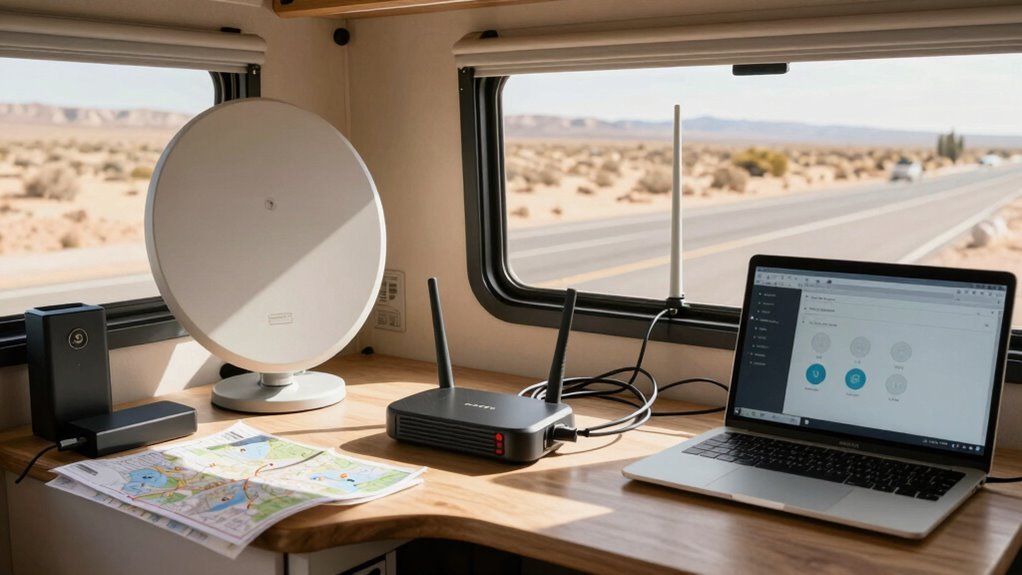
You’ve got options for getting internet in your RV, no matter where the road takes you. Pop in a 5G hotspot for speedy streaming anywhere, or simply tether your phone—it’s quick and saves on extra gear.
Want something more reliable? Install a dedicated RV router to boost signals like a pro and maintain a stronger connection on the move. These systems work well in areas with decent cellular coverage.
Park long-term? Try fixed wireless with a rooftop antenna aimed at a nearby tower for a stable, home-like connection. It’s ideal for extended stays in one location.
And for deep wilderness trips, satellite internet like Starlink keeps you online when no other option reaches. With the right setup, you can stay connected even off-grid. Mix and match solutions to stay online, rain or shine.
Using Mobile Hotspots for RV Internet
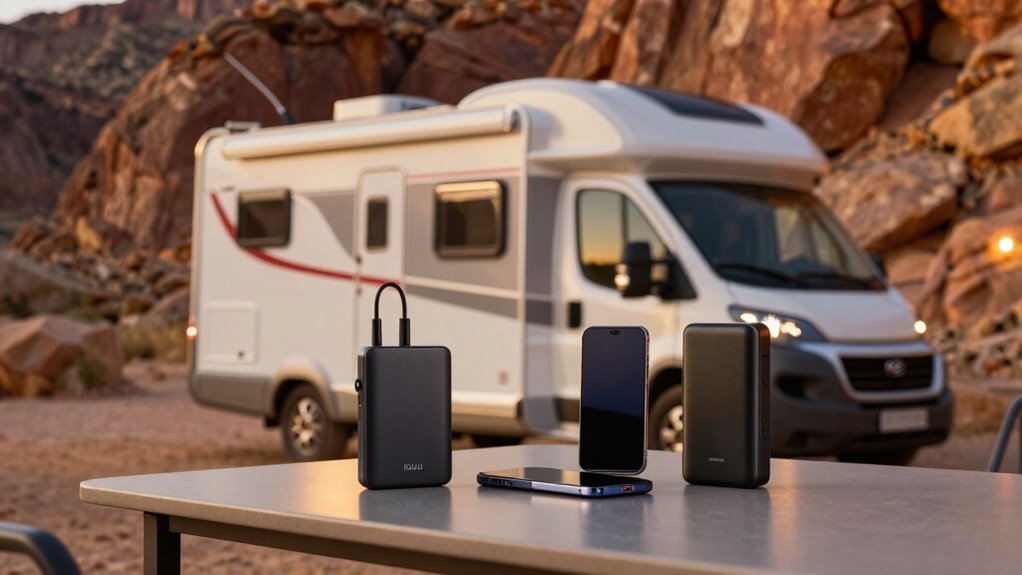
Staying connected on the road just got a whole lot easier—and way more fun—thanks to mobile hotspots that turn your RV into a rolling Wi-Fi zone.
You’re not stuck with spotty campfire signal anymore—just fire up a 5G hotspot and boom, you’ve got Netflix, Zoom calls, and even online gaming on the go.
T-Mobile gives you fat data plans and solid urban 5G, while Verizon’s your go-to when you’re off-grid in the middle of nowhere.
Love endless scrolling? Try TravlFi’s unlimited plan across U.S., Canada, and Mexico, or go pro with a Netgear Nighthawk or Peplink router that laughs at your RV’s metal walls.
Sure, devices like the TCL Linkzone or Inseego MiFi X PRO cost a few bucks upfront, but they handle 32 devices—because yes, even your smart fridge wants internet.
With plans starting at $50/month and speeds that don’t quit, you’re never really “off the grid” anymore—unless you want to be. Many setups also support dual SIM redundancy for continuous connectivity.
Tethering Your Smartphone for On-the-Go Connectivity
You’ve got your mobile hotspot pulling double duty as your RV’s Wi-Fi sidekick, but what if you don’t want to carry extra gear?
Good news—your smartphone can handle it all!
Just turn on tethering and share your data with your tablet or laptop using Wi-Fi, USB, or Bluetooth.
It’s crazy easy: hop into settings, name your network, set a password, and boom—internet on the go!
You can even plug in via USB for a speedier, more stable link.
Just remember, streaming movies eats data fast, and your phone might get toasty or run out of juice.
Stay within your plan’s hotspot limit to avoid throttled speeds, and in spotty areas, a signal booster helps.
Honestly, for quick emails or scrolling Instagram, your phone’s got your back—no extra gadgets needed!
A multi-carrier approach can significantly improve your odds of maintaining connectivity across remote areas.
Installing a Dedicated RV Wi-Fi Router
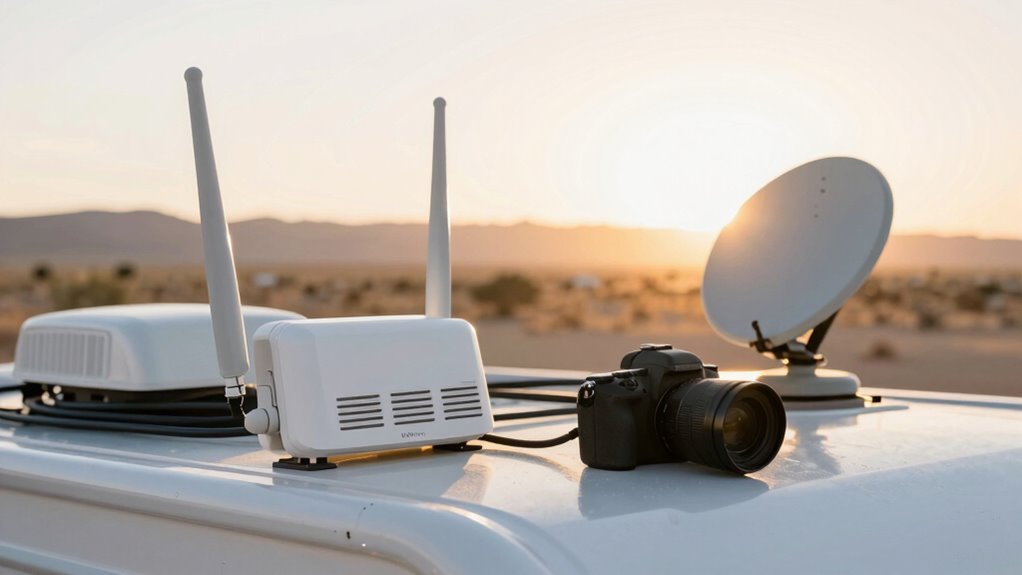
While your smartphone hotspot works fine in a pinch, it’s time to step up your game with a dedicated RV Wi-Fi router—think of it as going from a campfire cookout to a full outdoor kitchen!
First, kill shore power and unhook the battery’s negative cable—safety first, right? Grab your screwdrivers, wire nuts, and crimps, then peek at the ceiling cap; pop it down to feed through power and antenna cables.
Read the manual—yes, really—and pick a clean roof spot with clear skies.
Mount the bracket front-parallel, thread cables, and seal like a pro.
Connect red to power, black to ground, crimp tight, and plug in those colorful 4G and Wi-Fi cables.
Attach the antennas, flip on the power switch, boot up, then join the default network.
Log into 192.168.8.1, set passwords, check SIMs, and boom—welcome to faster, fuller freedom on the road!
This router extends existing Wi-Fi range up to 1/3 mile, so you can stay connected even when the campground’s signal is spotty.
Exploring Fixed Wireless Internet Solutions
Ever wonder how some RVers get blazing-fast internet without a cable in sight?
Fixed wireless might be their secret.
It beams data from a nearby tower straight to an antenna on your RV—no satellites, no cables, just radio waves doing the heavy lifting.
You set it up when parked, aim the roof-mounted receiver toward the tower (think high-tech bird feeder), and boom: reliable WiFi for streaming, working, or binge-watching cat videos.
Since it’s fixed, you can’t use it while rolling down the highway, but who’s gaming at 60 mph anyway?
With speeds up to 100 Mbps, low latency, and zero data caps, it crushes satellite in speed and cost.
Just mind the trees—clear line of sight is key!
Perfect for long stays where cell towers play nice.
Leveraging Satellite Internet for Remote Areas
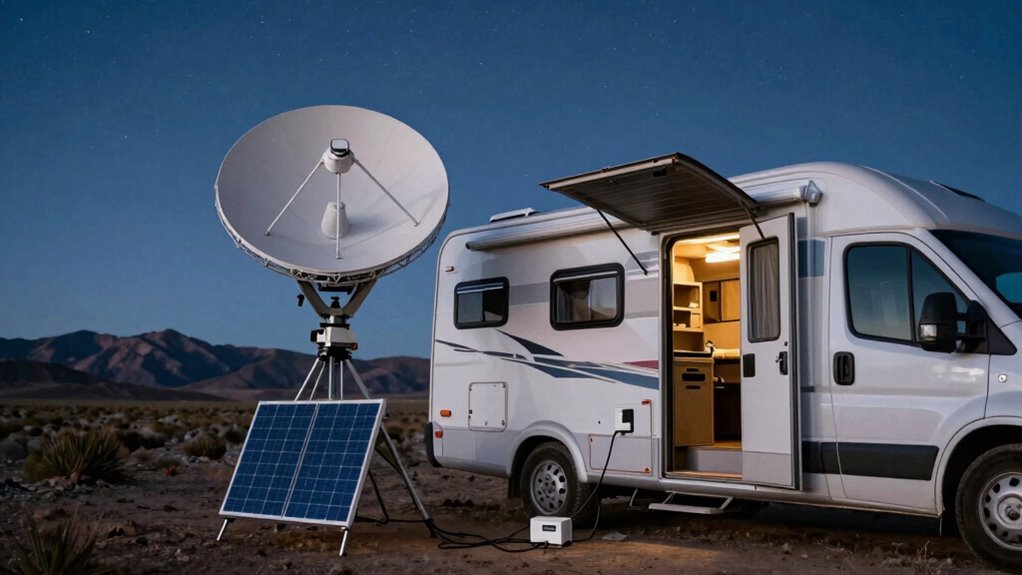
What if you could beam down high-speed internet from space while parked in the middle of nowhere?
With satellite internet, you totally can.
Starlink’s your go-to for speed—up to 150 Mbps—and low lag, so you can game or Zoom like you’re home.
Just point the dish north, plug it in, and boom: unlimited data, even in the wild.
HughesNet and Viasat cover nearly everywhere, but watch those data caps—though HughesNet’s saver mode helps.
Viasat offers big data buckets, but rain or tall trees can slow things down.
All need a clear sky view, and forget streaming while speeding down the highway—yet.
Setup’s easy, but remember: clouds and canyons aren’t your signal’s best friends.
Starlink’s pricier upfront, but worth it if you’re off-grid often.
Pair it with cellular, and you’ll stay online anywhere Mother Nature dares you to go._Space: now with Wi-Fi.
Frequently Asked Questions
Can I Use Public Wi-Fi Safely in My RV?
You can use public Wi-Fi in your RV, but you’ve gotta be smart about it—think of it like leaving your snacks unattended at a campsite, inviting trouble.
Hackers lurk on open networks, ready to snag passwords or peek at your bank info.
Skip sensitive stuff like online banking.
Instead, fire up a trusted VPN to encrypt your traffic, or better yet, use your phone’s hotspot.
Stay safe, stay connected, and keep your data out of the raccoons’ hands!
How Do Weather Conditions Affect RV Internet Performance?
When it rains, don’t bank on smooth sailing—weather messes with your RV internet more than a squirrel in a snack drawer.
Rain weakens satellite signals, snow piles on dishes, and wind knocks antennas sideways.
Ice, heat, even humidity chip away at your connection.
You’ll see slowdowns, dropouts, or total outages.
But hey, *every cloud has a silver lining*—just keep gear dry, aim antennas true, and ride out storms with a good book and strong coffee.
Are There Data Limits on Most RV Internet Plans?
Yeah, most RV internet plans do have data limits, and they’ll slow down on ya once you hit that cap—kinda like your buddy who eats too many snacks and needs a nap.
Standard hotspot plans usually cap out at 50–100GB before throttling.
But hey, don’t sweat it!
Unlimited options like TravlFi or Starlink’ve got your back, keeping you streaming, working, and meme-scrolling without the dreaded buffering wheel of doom.
Can I Stream Video Reliably With RV Internet Options?
You can stream like you’re binging on a spaceship—yes, really!
With T-Mobile’s 95% uptime or TravlFi’s unlimited data, you’ll laugh through buffering gremlins.
Starlink zips at 300Mbps, perfect for Netflix, just dodge trees.
Verizon hotspots handle back-to-back reels, great for weekend vibes.
Even while rolling, in-motion options keep your shows steady.
Yep, your RV’s no cave—stream, laugh, and hit play wherever you park!
Is It Legal to Use Mobile Hotspots While Driving?
Yeah, you can totally use mobile hotspots while driving—no laws stop you.
Just connect your devices and go.
Carriers like T-Mobile and AT&T don’t ban in-motion use, and Starlink Roam’s built for it.
Think of it like your phone’s Wi-Fi, but stronger.
Just don’t start a hotspot *while* driving—set it up when parked.
Safety first, stream second.
Now, roll down the highway with cat videos aplenty!
Conclusion
You’ve got more ways to stay online than a squirrel has acorns! Whether you’re hotspotting, tethering, or beaming in from space, there’s a perfect fit for your RV life. Just pick your tech trailblazer move, set it up, and voilà—bingo, you’re connected. Don’t let spotty signals slow your roll. With the right setup, you’re always just a click away from home, work, or cat videos. Happy trails, and stay wired!
References
- https://www.technomadia.com/2024/03/what-mobile-internet-is-best-for-rv-travels-our-5-month-47-stop-van-case-study/
- https://www.satelliteinternet.com/resources/get-satellite-internet-for-your-rv/
- https://swiftnetwifi.com/blogs/news/mobile-hotspot-for-rv
- https://www.highspeedinternet.com/resources/internet-for-rvs
- https://travlfi.com/blog/unlimited-internet-for-rvs/17
- https://www.harvesthosts.com/blog/honest-reviews-of-portable-hotspots-and-internet-for-rvers
- https://www.rvmobileinternet.com/planpicks/
- https://www.gorving.com/tips-inspiration/expert-advice/ultimate-guide-rv-internet-wi-fi-routers-hotspots-and-staying
- https://www.hiboost.com/blogs/news/how-campers-and-rv-travelers-stay-connected-anywhere-2025-complete-guide
- https://www.youtube.com/watch?v=38CBh-Wrd_0