How to Improve Cell Signal in Your RV
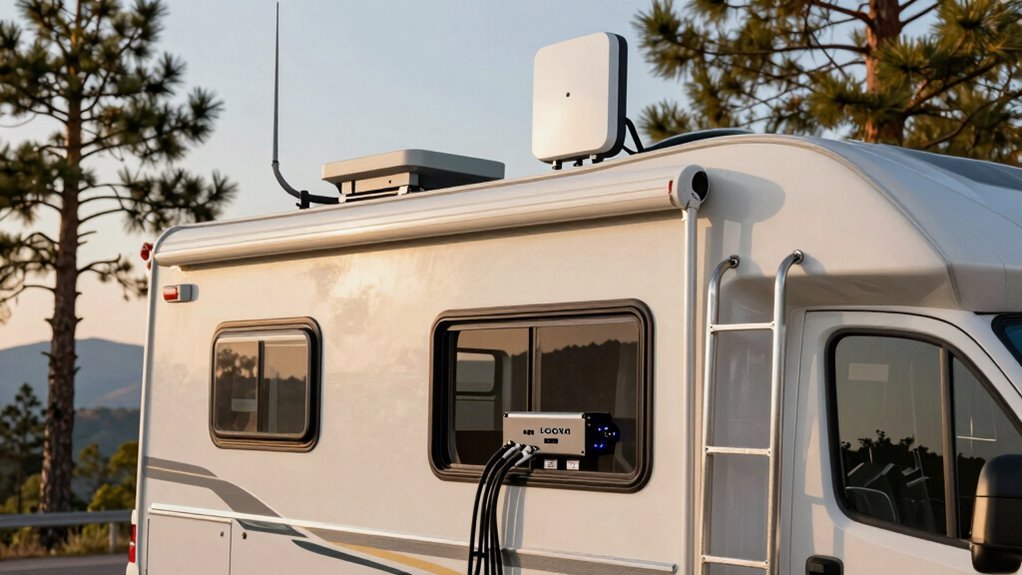
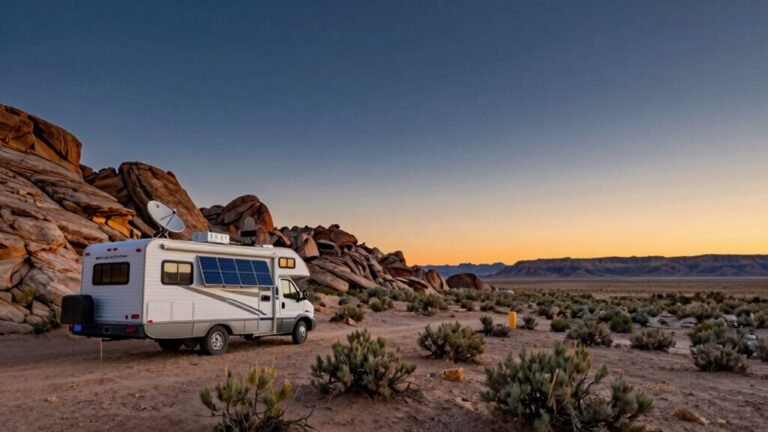
You’ve got this! To improve cell signal in your RV, start by parking with a clear view of the sky and avoiding metal obstructions that can block reception.
Grab a signal booster like weBoost or CEL-FI to boost weak signals. Pair it with an external antenna mounted on the roof for maximum reach.
Position the outdoor antenna properly and connect it to a hotspot near your indoor antenna. This setup helps maintain a strong, stable connection inside the RV.
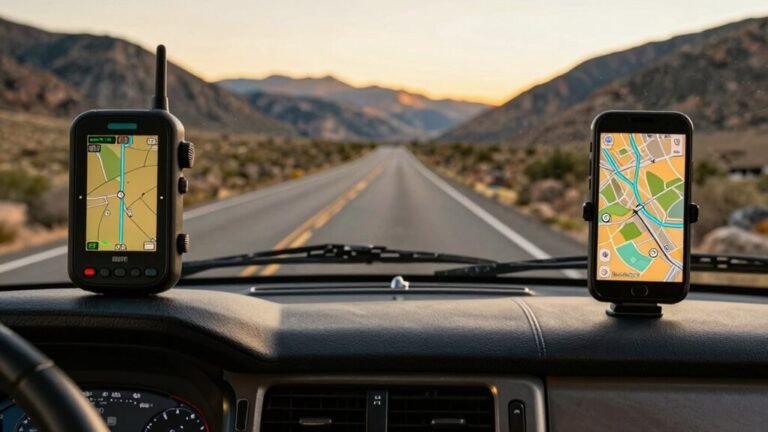
Use signal mapping apps to locate nearby towers and avoid dead zones. Knowing where coverage is strongest makes a big difference when trying to improve cell signal in your RV.
With better reception, your phone will perform more reliably—fewer dropped calls and smoother streaming. These smarter solutions keep you connected wherever the road takes you.
Understand the Basics of Cell Signal Strength
Ever wonder why your phone shows full bars one minute and no signal the next?
That’s because bars are just a rough guess—real signal strength is measured in dBm, and it’s way more precise.
You’re dealing with negative numbers, yeah, but don’t panic: closer to zero means stronger signal.
-50 dBm? That’s stellar.
-120 dBm? Good luck.
Every 3 dB boost doubles your power—so -76 is twice as strong as -79.
Wild, right?
RSRP is what your phone actually reads, and it’s in dBm too.
Learn this: -80 or higher is solid for boosters.
You can check all this in Field Test Mode or with apps like weBoost or Network Cell Info Lite—no PhD needed.
Think of it like checking your RV’s tire pressure: know the numbers, avoid the headaches.
Tech’s cool when it helps, not haunts, you. Signal quality matters just as much as strength—poor quality can cause dropped calls even with strong signal bars.
Choose the Right Location for Better Reception
You’ve got the basics of signal strength down—now it’s time to put those dBm numbers to work by finding the sweet spot for your RV.
Location is everything, and a few smart moves can turn a dead zone into a strong connection.
Want that “ahhh” moment when your video call finally loads? Try these tips:
- Park closer to cell towers—your phone will thank you with more bars and fewer dropped calls.
- Pick spots with wide-open views—trees and hills might be pretty, but they block signals.
- Use apps like CellMapper or Campendium—real camper reviews and tower maps are gold.
- Check carrier coverage first—Verizon, AT&T, or T-Mobile? Know who plays best where you’re going.
A little planning means fewer tech tantrums and more seamless scrolling, streaming, and sharing those glorious sunset pics. Happy (connected) camping!
Aluminum RV shielding can block signals, so avoid parking near large metal structures or consider a signal booster to overcome this barrier.
Invest in a High-Quality Cell Signal Booster
A solid cell signal doesn’t have to be luck of the draw when you’re off the grid—grabbing a high-quality cell signal booster means you’re taking control, one strong connection at a time.
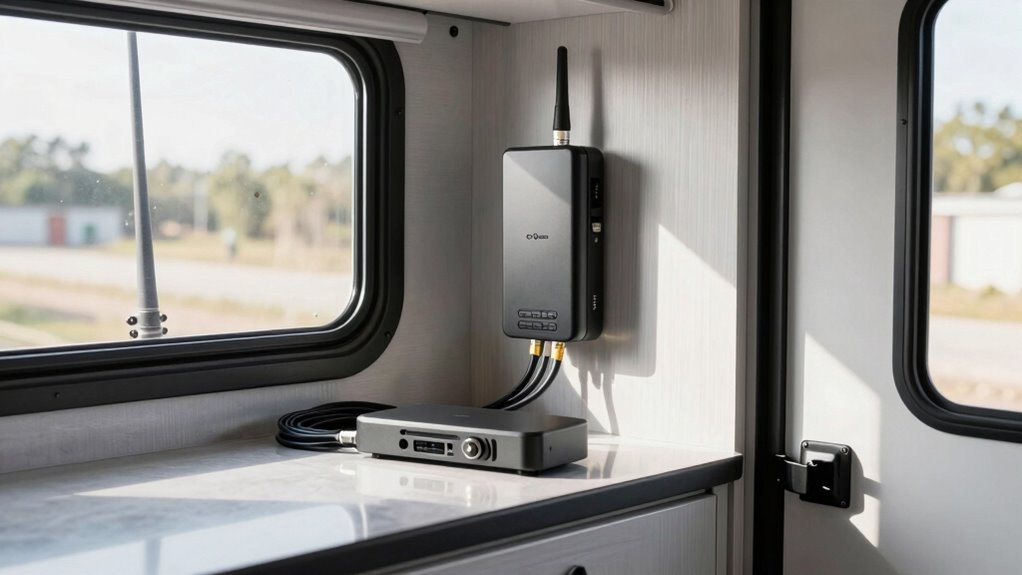
These clever kits grab weak signals with an outside antenna, supercharge them with an amplifier, then spread the boosted signal inside your RV.
Best part? They work with all major carriers like Verizon, AT&T, and T-Mobile.
If you’re always on the move, go for a mobile booster; if you park and stay, a stationary model gives you stronger, steadier service.
Top picks like the WeBoost Drive Reach or CEL-FI GO G43 blast signals up to 100 dB—way better than shouting “Can you hear me now?” from a hilltop.
Plus, many set up easily and cover every nook of your rig.
With the right booster, your Zoom calls, streams, and uploads actually work—even in the middle of nowhere.
Talk about peace of mind with a side of Wi-Fi-free joy!
Many systems offer up to 50 dB gain, significantly enhancing connectivity even in remote areas.
Use External Antennas for Maximum Gain
Reaching for the sky with an external antenna means you’re not just hoping for a signal—you’re going out and grabbing it.
You skip the guesswork and finally stream, call, and work like you’re plugged into home.
Here’s how it feels when you get it right:
- Your phone stops showing “Searching…” every five minutes, and actually stays connected.
- You laugh instead of panic when your video call doesn’t freeze mid-sentence.
- You’re the hero who posts campsite pics before anyone else even finds Wi-Fi.
- You feel proud seeing that full-bar icon shine—because you *earned* it.
Mount the antenna high on the roof, away from metal and other gear.
Pick directional for power or omnidirectional for ease.
Run coax cables clean and tight, connect to your booster, and boom—you’ve turned your RV into a signal fortress.
Leverage Wi-Fi Repeaters and Extenders
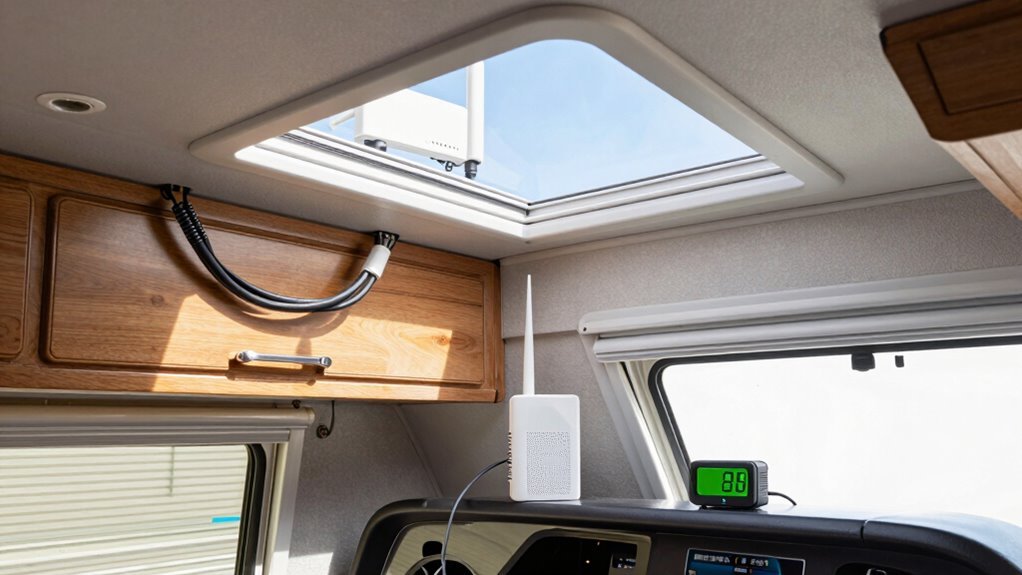
Grabbing onto spotty campground Wi-Fi doesn’t have to feel like trying to catch smoke with your bare hands.
You can boost that weak signal with a Wi-Fi repeater or extender—your personal signal superhero.
These gadgets grab the park’s Wi-Fi and rebroadcast it inside your RV, giving you stronger, more reliable internet.
Most RVers actually need a booster, especially when you’re far from the source.
Place it near a window facing the Wi-Fi hub, or mount a weatherproof model on your roof for maximum reach.
Models like the Halo or Netgear Nighthawk pack serious punch, pulling in signals from miles away.
Sure, they can’t fix a dead network, but with the right setup, you’ll stream, browse, and work without constantly updating.
It’s like turning a whisper into a cheer—simple, smart, and seriously satisfying.
Take Advantage of Mobile Hotspots and MiFi Devices
Ever wonder how some RVers stay connected in the middle of nowhere, streaming, working, and video calling like they’re parked right in the city?
You can too—just team up your mobile hotspot or MiFi device with a cell signal booster.
It’s a game-changer.
Here’s why you’ll love it:
- Your hotspot grabs weak signals, boosts them, and shares strong Wi-Fi with every device in the RV.
- Even in remote spots with just one bar, you’ll keep 4G LTE and stay on video calls without freezing.
- No more dropped connections when the kids are bingeing shows or you’re closing that big work deal.
- You’ll feel unstoppable, pulling into campgrounds others call “dead zones” and still streaming like you’re downtown.
Just place your hotspot near the booster’s indoor antenna, and boom—reliable, powerful internet follows you everywhere.
Who knew the wilderness could feel so connected?
Optimize Your RV’s Positioning at Campsites
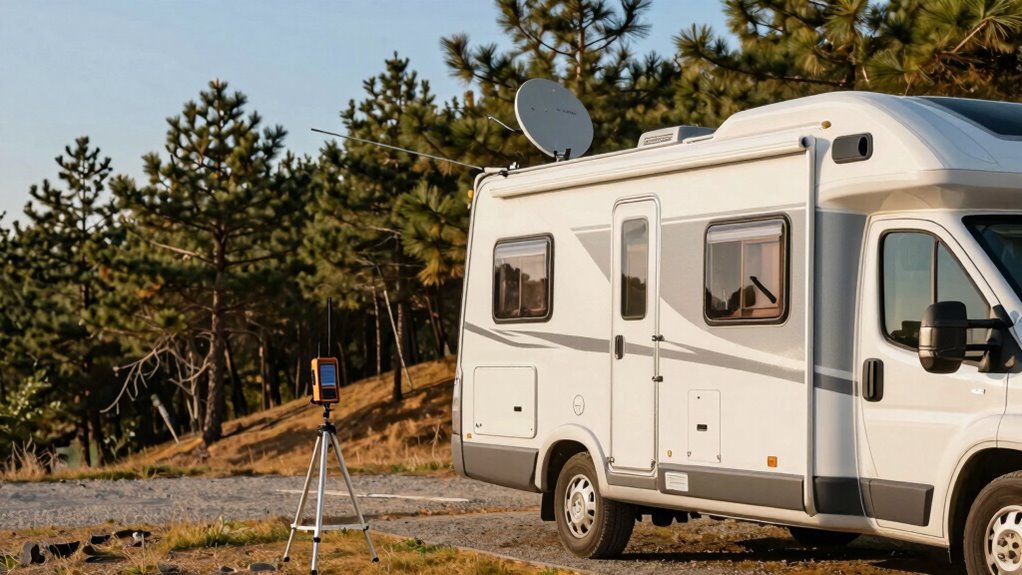
Where should you park your RV to get the best signal?
Scout the area first—walk around with your phone, climb your RV’s ladder, or even use a tripod antenna to test for at least one bar.
Higher ground is your friend; it clears trees and hills that block signals.
Avoid valley spots or anywhere surrounded by big obstacles.
Park in open clearings, aim for clear sightlines to the sky, and dodge dense woods or boulders.
Face your RV toward the nearest cell tower if you’re using a directional antenna—sometimes just tweaking the angle makes all the difference.
Mount antennas high on your roof or a pole (but stay under 14 feet!) to catch cleaner signals.
And hey, if your phone dances with one bar near a tree? That’s a win—your booster can work with that.
Position smart, and you’ll stay connected without turning into a tech wizard.
Upgrade Your Smartphone With Signal-Enhancing Apps
While your phone can’t magically pull in bars from thin air, you can still turn it into a savvy signal sidekick with the right apps.
Sure, they won’t boost signals like hardware can—but they’ll help you understand and maximize what’s out there.
Think of them as your pocket-sized signal detectives!
- Feel empowered—apps like Network Cell Info Lite show real-time signal strength and tower locations.
- Stay curious—dig into LTE bands and frequencies with LTE Discovery, even if you’re not a tech whiz.
- Get confident—use the weBoost App to test before and after booster setup, seeing real progress.
- Travel smarter—OpenSignal points you toward stronger spots like a GPS for good reception.
You’ve got tools, insight, and a little app-powered magic on your side—now go claim that sweet, sweet signal!
Rely on Network-Specific Coverage Maps to Plan Routes
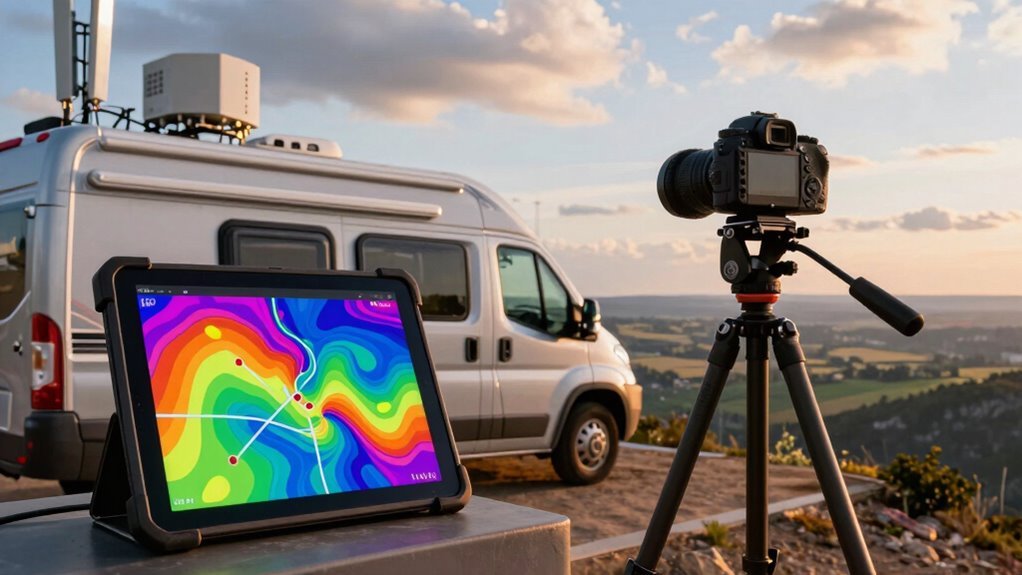
You’ve armed your phone with smart apps that reveal every bar and band, but now it’s time to think bigger—way bigger.
Check carrier-specific coverage maps before you roll—Verizon, AT&T, T-Mobile, and US Cellular all offer detailed online maps showing where their 4G and 5G signals shine.
Planning a desert detour or mountain meander?
Peek at the FCC’s National Broadband Map to see real-world coverage from the road.
Love a good tech showdown?
Compare 5G types—mmWave, mid-band, Nationwide—and pick the best blend of speed and reach.
T-Mobile dominates cities, Verizon rules remote backroads, and AT&T holds strong in between.
Use fun tools like CoverageMap.com or OpenSignal for crowd-powered insights, or tap Harvest Hosts for camper-ranked signal tips.
No single carrier wins everywhere, so mix and match as you roam.
With a little map magic, you’ll skip dead zones and stay online, because nobody likes a buffering binge-watch—especially when s’mores are involved.
Frequently Asked Questions
Can Weather Conditions Affect My Rv’s Cell Signal?
Yeah, weather can totally mess with your RV’s cell signal.
Rain, snow, and even thick fog scatter signals because water loves to block radio waves.
Thunderstorms? Double trouble—lightning zaps interference, and heavy downpours soak up signal strength.
Fog might make things mist-ery worse, but hey, at least you’re not stranded in a comedy of connectivity errors!
Humid days weaken signals more than you’d think.
Stay patient—it’s not your phone’s fault!
Do Signal Boosters Work With All Cellular Carriers?
Yeah, most signal boosters work with all major carriers, so you’re golden no matter who you use—Verizon, AT&T, T-Mobile, UScellular, even Boost Mobile.
They grab the existing signal outside your RV and pump it up, so you get stronger bars inside.
Just make sure it’s not WiMax or iDen, ’cause those are basically tech dinosaurs.
As long as there’s a sliver of signal, you’re in business!
Will a Metal Roof Completely Block My Cell Signal?
No, a metal roof won’t nuke your signal like a sci-fi force field—relax, you’re not living in a Faraday cage!
It might tweak reception if it’s thick or paired with weak existing signal, but it doesn’t act alone.
Think of it like wearing sunglasses: they dim the light but don’t plunge you into darkness.
Most folks see little change, especially with decent bars to begin with—so breathe easy and keep streaming cat videos!
Can I Use a Signal Booster While Driving?
Yes, you can absolutely use a signal booster while driving—no need to pull over just to stay connected!
Mobile boosters like the weBoost Drive Reach are built for life on the move, giving you stronger signal as you cruise down the highway or weave through backroads.
Just keep the antennas separated, mount the outside one high for best reception, and let the booster do its thing.
It’s like giving your phone a power-up ride-along!
Are There Health Risks Associated With Using Signal Boosters?
You’re not exposing yourself to harmful radiation when you use a signal booster—it’s actually safer than your phone!
These little guys emit super-low energy, way below safety limits, and help your phone chill out by boosting the signal so it doesn’t have to work so hard.
Think of it like giving your phone a cozy blanket, not a science experiment.
Experts agree: totally safe, no spooky side effects.
Phew!
Conclusion
You’ve got this! With a few smart tweaks, your RV can go from signal black hole to full-bar paradise. Pick sunny spots, boost your setup, and let apps and maps guide the way. Before you know it, you’ll be streaming cat videos at 6,000 feet like a mountain-top tech wizard. Stay connected, stay happy, and remember: no signal, no fear—just solutions!
References
- https://www.hiboost.com/blogs/news/how-to-test-cell-phone-signal-strength-the-right-way
- https://www.weboost.com/blog/how-to-test-signal-strength-on-your-phone
- https://www.signalboosters.com/blog/how-to-check-your-cell-phone-signal-strength/
- https://www.rsrf.com/blog/cellular-signal-strength
- https://www.waveform.com/a/b/guides/field-test-guide
- https://www.youtube.com/watch?v=ZabJiJ6XMDU
- https://www.wilsonamplifiers.com/blog/how-to-read-cell-phone-signal-strength-the-right-way/
- https://www.keysight.com/used/us/en/knowledge/guides/how-to-check-signal-strength-of-all-available-network-operators
- https://help.ui.com/hc/en-us/articles/31173907212567-Understanding-Cellular-Signal-Strength-and-Quality
- https://www.weboost.com/blog/get-cell-phone-coverage-in-your-rv